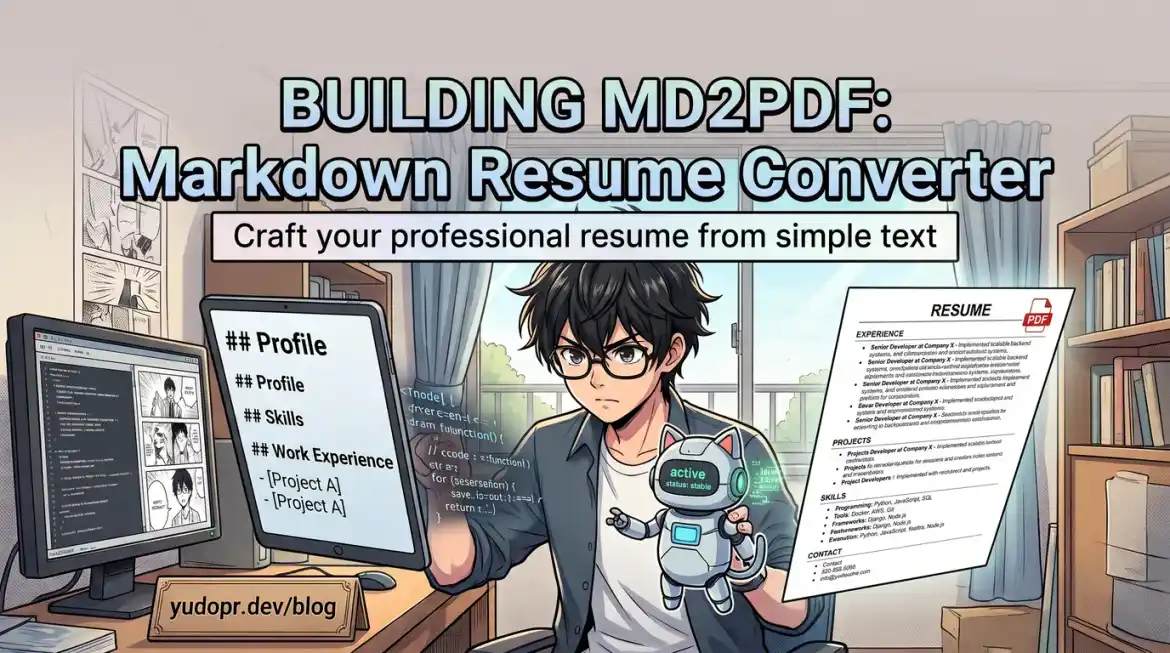
August started with an empty calendar, and for the first time in years I was okay with that.
I chose not to continue my contract at my previous company, so this month I had no work. While I rested, I also started searching for a new job. The hunt itself was fine — data engineering roles were plentiful — but it forced me to face a task I had been procrastinating on for months: updating my resume.
That turned out to be the start of a small rabbit hole. And at the end of it, I had written my own Markdown-to-PDF resume converter, md2pdf.
1. Why Word and Google Docs Just Get in the Way
Every time I opened my old resume in Microsoft Word or Google Docs, the friction was immediate. I would spend more time fighting the tool than improving the content: alignment shifting by a pixel, a table refusing to behave, fonts rendering differently on another machine, and the constant fear that the "final version" I exported was secretly five versions behind.
Markdown snapped me out of it. A resume written in plain Markdown is:
- Clean — no formatting fights, just content with a little structure.
- Easy to tailor — tweaking a bullet for a specific job is a one-line edit, not a formatting expedition.
- Versionable — my resume lives in a folder with a date-stamped filename, and it could happily live in a git repo.
- AI-friendly — this turned out to be the big one, and I will come back to it.
So I rewrote my resume as Markdown: name, summary, experience, skills, education. It felt great. It was one problem solved and one problem created, because job applications do not accept .md files.
2. The ATS Gap
Almost every application I hit expects a PDF, usually so it can be parsed by an Applicant Tracking System (ATS). You cannot upload resume.md and call it a day.
The obvious answer was "just convert it," but every option I tried annoyed me in its own way:
- Pandoc produces a perfectly fine document, but the output is a generic article page — not the dense, scannable, 1–2 page layout recruiters and ATSes actually prefer.
- Online converters mean uploading my personal data to a random website, fighting watermarks, or waiting through a queue for a layout I do not control.
- Design tools are overkill for something I want to regenerate every time I tailor it for a job.
What I actually wanted was boring and specific: a tool that takes clean Markdown and produces a high-contrast, black-and-white A4 PDF that fits in 1–2 pages, keeps headers with their content, and looks professional enough that I am proud to submit it. I did not expect to find that exact tool, so I wrote it.
3. What md2pdf Does
md2pdf is a lightweight (~3 MB) native Go CLI that compiles Markdown resumes into print-ready A4 PDFs.
md2pdf.exe resume.md
md2pdf.exe resume.md tailored_output.pdf
On Windows you can even drag and drop a .md file straight onto md2pdf.exe. The tool targets the layout problem the generic converters ignore:
- Precision A4 layout — exact margins (
10mm x 14mm) and a typographic scale (8.4ptfont,1.32line-height) tuned for dense, readable resumes. - Smart resume structure parsing — your name becomes a prominent header, contact info becomes a clean border-delimited bar, company names get italicized industry descriptors, and role titles format into flex rows with right-aligned dates.
- Page break control — section headings use
break-after: avoidandbreak-inside: avoid, so a heading never gets orphaned at the bottom of page 1 while its content starts on page 2. - Zero runtime bloat — it renders through a browser already installed on your machine (Edge, Firefox, Chrome, Brave, Opera, and more), so the binary stays tiny and dependency-free.
- Zero artifact clutter — intermediate HTML files are cleaned up automatically the moment the PDF is written.
The result is a high-contrast, black-and-white document that scans cleanly through ATS parsers while still looking sharp when a human opens it.
graph LR
    MD[resume.md] --> CL[md2pdf CLI ~3 MB]
    CL --> HTML[Intermediate HTML]
    HTML --> Browser[Installed Browser Engine]
    Browser --> PDF[ATS-Ready A4 PDF]
    PDF --> Apply[Job Application]
4. My Workflow Now: Tailor With AI, Submit With md2pdf
Here is the loop that made this project click for me. Applying for a job used to mean opening my resume in Word, manually rewriting bullets, and praying the formatting survived. Now it takes minutes:
- My resume lives as Markdown — one canonical file in my resume/CV folder.
- For each application, I feed the Markdown to an AI together with the job description and ask for a tailored version: which projects to emphasize, which keywords to keep, which bullets to cut.
- I review and edit in Markdown — since it is just text, I can see exactly what changed and undo what I disagree with.
- I convert with md2pdf:
md2pdf.exe resume.md yudho-data-engineer-acme.pdf
- I submit the PDF, knowing it will parse correctly and look right on one or two pages.
The tailoring step is the reason Markdown matters so much: AI tools are dramatically better at rewriting structured plain text than they are at editing inside Word or Google Docs. Markdown is the format where the AI gets a clean view of my experience, and the PDF is the format the recruiter's ATS actually wants. md2pdf is the bridge between the two.
Months later, it is still my go-to tool sitting in my resume/CV document folder. Every time I apply somewhere new, the workflow is the same: new tailored .md, run md2pdf, submit. No watermarks, no uploads, no formatting fights.
5. Try It Yourself
The project is open source under the MIT license and ships with a generic sample resume template in examples/sample-resume.md, so you can see the supported Markdown structure and adapt it to yourself within minutes. Prebuilt binaries are available for Windows, Linux, and macOS, or you can build from source with the included Makefile.
If your CV lives anywhere near Markdown, give it a spin. It might save you the same month of annoyance it just saved me.
Building md2pdf turned a month of job-hunting friction into a tool I reach for every single application. Sometimes the best way to get a tool you need is to ship it yourself.