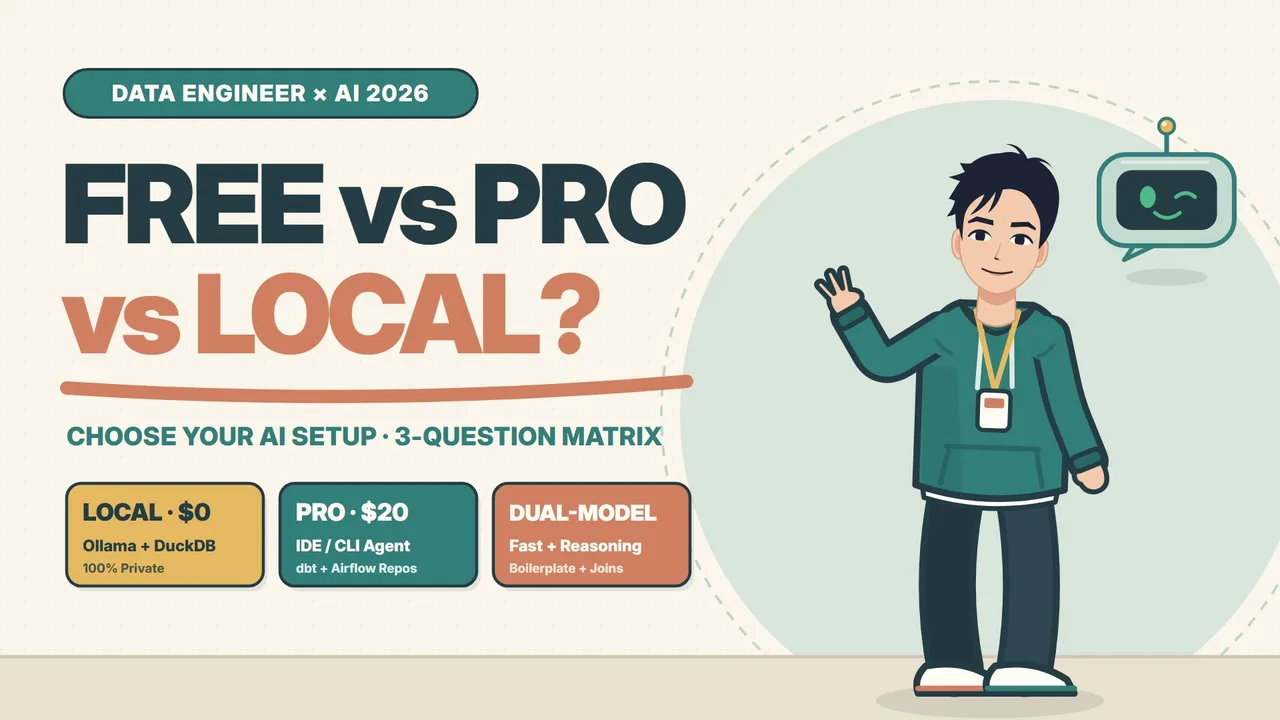
Prefer watching? Watch "Stop Overpaying for AI! How to Choose Your Data Engineer AI Setup (Free vs. Local vs. Pro)" on YouTube. The video is narrated in English.
Every few weeks I see another data engineer paying nearly $280 a month for overlapping AI subscriptions: $200 for an "Ultra" web chat tier, $60 for an IDE add-on, and another $20 for a cloud coding agent. Then I look at their actual week, and ninety percent of it was spent writing forty-line SQL queries and debugging a handful of Airflow tasks.
Buying AI tools based on whatever is trending on your feed leaves you with half-used token quotas, duplicate features, and sometimes a serious data-privacy headache.
Instead of guessing between Free, Local, and Pro, I evaluate any setup using three engineering questions:
- Where does your code live?
- What is your budget and privacy boundary?
- How fast do you need context?
Answer those three honestly, and the right AI stack becomes obvious.
Question 1: Where Does Your Code Live?
Start with the shape of your day-to-day codebase.
If most of your work lives in single, isolated files—ad-hoc Snowflake or BigQuery queries, standalone Python scripts, or exploratory Jupyter notebooks—free web chat tiers are genuinely enough. Need a gnarly regular expression to parse messy log strings, a quick PostgreSQL-to-BigQuery date translation, or an explanation of a legacy query someone wrote three years ago? A $0 browser chat solves isolated tasks like that in seconds. Keep your credit card in your wallet.
Everything changes the moment your code lives inside a multi-repo production codebase—real dbt projects with sixty interconnected models, shared Jinja macros, YAML schema tests, and downstream Airflow DAGs.
Suppose you rename a single column in stg_orders.sql. That one edit ripples into int_sessions.sql, fct_revenue.sql, three tests in schema.yml, and a downstream sensor in airflow/daily_etl.py. If you paste isolated snippets into a browser window, the model is blind to your repository graph. It guesses column names, misses downstream references, and turns you into human copy-paste middleware.
Once you manage interconnected repositories every day, you have outgrown browser chat. That is the point where you step up to a repo-aware IDE or CLI coding agent—tools like Cursor, Claude Code, Codex CLI, or Pi—that read your dbt_project.yml, search across files with git grep, apply coordinated multi-file edits, and verify them directly with dbt build.
Question 2: What Is Your Budget and Privacy Boundary?
Cost and compliance belong in the same question because both define where your bytes are allowed to travel.
Maybe you are a student, transitioning into data engineering, or operating on a strict $0 budget. Or maybe you work in fintech, healthcare, or an enterprise warehouse where pasting table schemas or sample rows into a third-party cloud API is strictly off-limits.
In both cases, the sharpest setup is combining free cloud chat for generic syntax questions with a 100% local data lab on your own laptop: Ollama paired with DuckDB.
$ ollama run qwen2.5-coder:14b
>>> Generating DuckDB window query (100% offline, 0 bytes sent)

$ duckdb -c "SELECT date_trunc('day', event_ts) AS d, count(*) FROM 'orders.parquet' GROUP BY 1;"
Running a local coding model alongside DuckDB against local Parquet or CSV files lets you prototype transformations, validate row counts, and test SQL logic completely offline. Your recurring cost is $0, cloud egress is zero bytes, and sensitive PII never leaves your machine.
Now flip the scale. What if you ship production pipeline code every day and your organization allows approved cloud tools? Look at the actual math on a single $20/month Pro IDE or CLI agent:
- Break-even point: roughly 30 minutes of engineering time saved per month.
- Real-world recovery: 12 to 18 hours saved per month—around 5–7 hours on multi-file dbt refactors and 4–6 hours tracing failing Airflow logs, XCom payloads, and retry sensors.
You do not need a $200 Ultra plan to get that leverage. One well-chosen $20 Pro agent covers almost everything a daily production data engineer needs.
Question 3: How Fast Do You Need Context?
This is where even experienced engineers leave huge speed and accuracy on the table: stop using one model for every task.
If you throw a heavy reasoning model at simple boilerplate, you wait fifteen seconds per turn and burn through tight rate limits for nothing. On the flip side, if you ask a lightweight fast model to debug a subtle multi-table pipeline bug, it rushes to an answer and hallucinates a broken fix—like slapping SELECT DISTINCT over a fan-out join instead of fixing the grain.
I split my workflow into a Dual-Model Switchyard with two lanes:
flowchart LR
  Task["Incoming DE Task"] --> Check{"Boilerplate or High-Stakes Logic?"}
  Check -->|"Speed & Repetition"| Fast["Lane 1: Fast Model (< 2s)"]
  Check -->|"Multi-Table Grain & DAG Risk"| Reason["Lane 2: Reasoning Prism"]
  Fast --> FastOut["stg_*.sql, schema.yml, generic tests, Pydantic"]
  Reason --> Step1["1. Trace upstream lineage"] --> Step2["2. Catch 1:N join fan-out"] --> Step3["3. Verify 3-day incremental watermark"]
Lane 1: The Fast Model (Under 2 Seconds)
Reserve a fast, inexpensive model for repetitive scaffolding where velocity keeps you in flow:
- Scaffolding
stg_*.sqlstaging models (column casting, renaming, timestamp normalization) - Writing
schema.ymlmodel and column descriptions from SQL definitions - Generating generic dbt tests (
unique,not_null,accepted_values,relationships) - Converting JSON payloads into typed Pydantic schemas
Lane 2: The Reasoning Model (Deep Logic)
Bring in a reasoning model when one silent bug would corrupt a warehouse KPI:
- Trace upstream lineage: Inspect the grain across
stg_orders→int_payments→fct_revenue(order_idat1vs.payment_idatN). - Catch join fan-outs: Spot a
1:NLEFT JOINmultiplyingorder_amountbefore anyone notices inflated revenue, and fix it by pre-aggregating the payments CTE byorder_id. - Verify incremental watermarks: Confirm the filter predicate includes a lookback window (such as
WHERE updated_at >= max_ts - INTERVAL '3 DAYS') so late-arriving events are not quietly dropped.
Fast for boilerplate, reasoning for deep logic—that pairing beats any single "do-it-all" subscription.
The 2026 Selection Matrix and Starter Profiles
Putting all three questions together gives you a clear decision table:
| Tier | Cost | Code Scope | Privacy Boundary | Recommended Workflow |
|---|---|---|---|---|
| Free | $0/mo | Single .sql scripts & notebooks |
Public or synthetic snippets only | Web chat + local DuckDB |
| Local | $0/mo | Sensitive schemas or offline work | 100% on-device (zero cloud egress) | Ollama (14B) + DuckDB CLI |
| Pro | $20/mo | Multi-repo dbt + Airflow | Approved enterprise / zero data retention | 1 IDE/CLI agent + Dual-Model workflow |
If you want a concrete setup you can adopt right away, pick whichever of these three profiles matches your week:
- Profile A — Student / Analyst ($0/mo): Free web chat for regex, dialect translation, and SQL explanations, paired with DuckDB CLI for querying local CSV and Parquet datasets.
- Profile B — Privacy-First DE ($0/mo): Local Ollama (
qwen2.5-coder:14b) for code generation and DuckDB for local Parquet and SQL unit tests, keeping every schema and sample row inside your security perimeter. - Profile C — Production DE ($20/mo): One repo-aware IDE or CLI agent configured with a dual-model workflow—a fast model for staging SQL and YAML tests, a reasoning model for complex joins and DAG debugging—plus DuckDB for quick local sanity checks before opening a PR.
Three Triggers to Wait For Before Paying $20/Month
Still unsure whether to upgrade from Free or Local? Hold onto your money until you hit at least one of these three signals:
- You edit 5+ interconnected files per PR: Column renames, upstream
ref()calls,schema.ymltests, and Airflow DAG sensors are all moving together. - Copy-pasting schema context costs 30+ minutes a day: You spend more time explaining table structures to a chat box than writing actual logic.
- Debugging incremental runs slows down every sprint: Preventing a single join fan-out or watermark bug pays back a $20/month tool many times over.
Match Your Setup to Your Engineering Work
The formula is simple: check where your code lives, respect your budget and privacy boundary, and pair a fast model with a reasoning model. Match your AI setup to the engineering work you actually ship—not the loudest subscription tier on your timeline.
Which profile fits your workflow right now—Free, Local, or Pro?
Watch the full video breakdown on YouTube: Stop Overpaying for AI! How to Choose Your Data Engineer AI Setup (Free vs. Local vs. Pro).