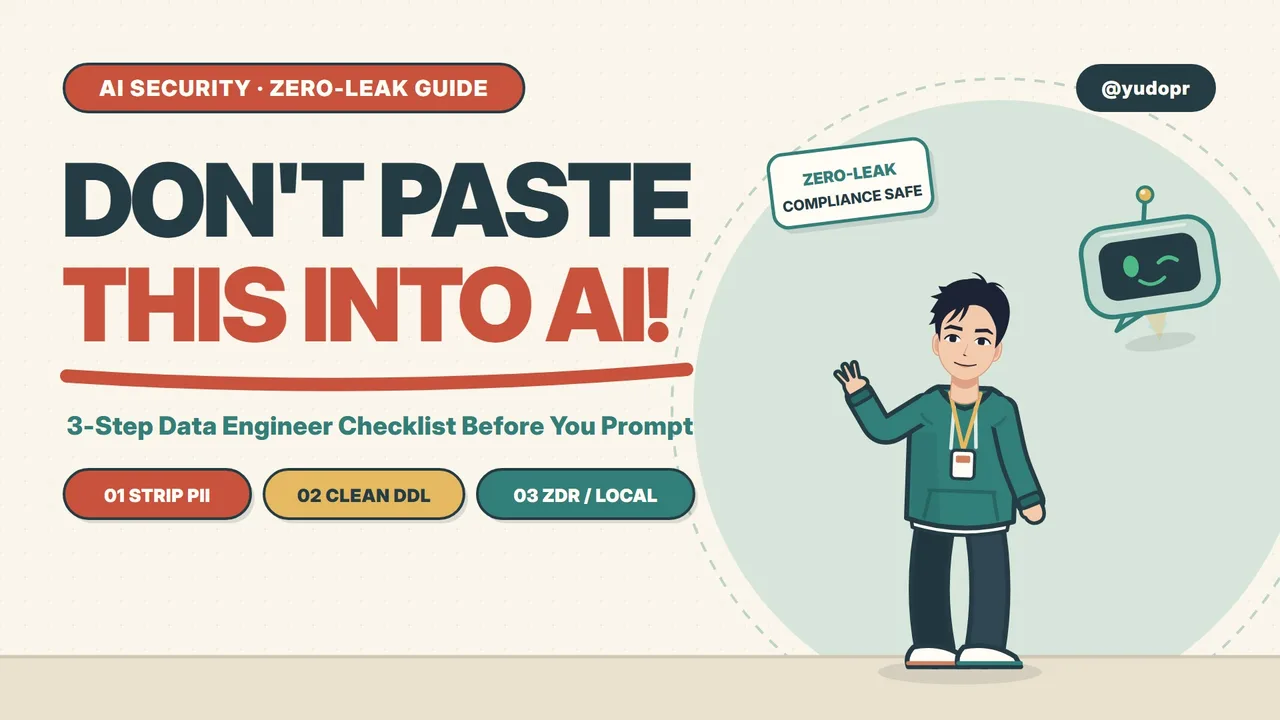
Prefer watching? Watch "Don't Paste This Into AI! The 3-Step Zero-Leak Security Checklist for Data Engineers" on YouTube. The video is narrated in English.
We have all been there. It is 4:45 PM right before a release, a production pipeline just broke, Slack is blowing up, and all you want is a fast fix. When you are rushing to debug a failing SQL query, it is way too easy to hit Copy, hit Paste, and drop your query—plus a handful of sample rows—straight into an AI chat window.
A lot of engineers tell themselves, "Relax, I will just delete the chat thread once I get the fix."
That does not save you. Depending on your AI provider and plan tier, that prompt may already be sitting in server logs, abuse-review queues, or a model training pipeline. Hitting delete in the browser UI only hides it from your sidebar.
The good news is you do not have to stop using AI to stay compliant. AI only needs your logic and structure—never your real company data. Before you hit Enter, run this three-step Zero-Leak Procedure.
Step 1: Strip PII, Credentials, and Customer Names
First, strip every piece of personally identifiable information (PII), production credential, and proprietary customer name before anything touches a prompt box.
Never paste national IDs, real user emails, phone numbers, home addresses, API keys, database passwords, connection strings, or enterprise client names into a prompt. Even a single real customer email or internal client name can violate your NDA or trigger a data-privacy incident.
Swap every sensitive literal for boring, generic placeholders:
- National IDs (
3174-XXXX-8801-0000) →ID_001 - User emails (
[email protected]) →[email protected] - API keys & tokens (
Fake_Pr0d_Key!) →REDACTED_TOKEN - Enterprise clients (
PT Nusantara Fiktif Tbk) →client_alpha
When you replace real identifiers with user_001, client_alpha, and REDACTED_TOKEN, the SQL structure, Python logic, and error behavior remain 100% identical. The model still understands your code completely—without learning anything real about your company or customers.
Watch Out for Hidden Leaks in Logs
The trap that catches even senior engineers is not the SQL query itself—it is pasting raw error logs and stack traces without reading them line by line:
- Postgres constraint errors:
DETAIL: Key (email)=([email protected]) already exists. - Airflow or worker env logs:
Authorization: Bearer Fake_Pr0d_Key!orDB_PASS=DemoPass! - Hardcoded query filters:
WHERE client_name = 'PT Nusantara Fiktif Tbk'buried in line 48 of a CTE
You did not intend to leak PII or credentials—they simply rode along inside the stack trace.
My rule of thumb is simple: never paste directly from your terminal or SQL client into a browser chat. Drop the snippet into a local scratchpad first and spend ten seconds scrubbing string literals. Ten seconds of scrubbing beats ten hours of InfoSec incident meetings.
Step 2: Export Sanitized DDL + Dummy Data
Second, never copy-paste real production tables into AI.
I know how tempting it is. Your join returns duplicate rows, or your window function totals look wrong, so you run SELECT * FROM prod.orders LIMIT 20, copy the grid, and paste it straight into chat so the model can "see the data."
Stop right there. Twenty rows of production data is still real customer data, real pricing, and real transactions leaving your security perimeter.
Do it the Zero-Leak way instead. Export only the sanitized DDL—just the table structure using pg_dump --schema-only, SHOW CREATE TABLE, or your dbt model definition—and strip any sensitive internal column comments or proprietary business codes while you are at it:
CREATE TABLE analytics.orders (
  order_id     VARCHAR(36) PRIMARY KEY,
  user_id      VARCHAR(36) NOT NULL,
  client_code  VARCHAR(32) NOT NULL,
  amount_cents BIGINT NOT NULL,
  created_at   TIMESTAMP NOT NULL
);
Then add synthetic dummy rows—or even faster, paste that clean DDL and ask the AI to generate five or ten realistic dummy rows directly from the schema:
"Using this
analytics.ordersDDL, generate 8 syntheticINSERTrows withuser_001throughuser_005, fake timestamps, edge-caseNULLs, duplicate event IDs, and late-arriving records."
In five seconds, you have a fixture with 0% real data and 100% realistic edge cases.
With a clean schema plus synthetic dummy data, an AI assistant can write accurate SQL joins, complex window functions, deduplication CTEs, and dbt or pytest unit tests. You copy the generated SQL back into your secure warehouse, run it against real data inside your perimeter, and not a single production row ever leaks out.
Step 3: Check Training Terms, Zero-Data Retention, or Local AI
Third, verify where your prompts actually go—and whether your AI provider trains on your chats.
Many engineers assume that paying for a tool automatically keeps prompts private. That is not always true. Several providers state in their Terms and Conditions—especially on free and consumer tiers—that conversations may be used to train future models unless you explicitly opt out, and many still retain prompt logs for 30 days or more.
Before using any cloud AI for engineering work, verify two controls:
- Model training is turned OFF: Confirm your account or workspace setting explicitly opts out of training on prompts and completions.
- Zero-Data Retention (ZDR) is enabled: Check whether your provider offers ZDR on its Team, Enterprise, or API plan, and confirm with your admin that it is active so prompts are not stored on provider servers after the response returns.
What if you work in fintech, healthcare, banking, or a regulated environment where even ZDR cloud APIs feel too risky or are strictly off-limits?
Run Local AI instead. Pair Ollama on your laptop or private VPC with DuckDB when testing local Parquet or CSV files:
ollama run qwen2.5-coder:14b
duckdb local_sandbox.duckdb < check_joins.sql
Everything stays on localhost. Cloud egress is 0 KB, there are no third-party Terms and Conditions to negotiate, your workflow stays fast, and compliance stays safe.
Before vs. After: One Debugging Scenario
Putting all three steps together takes less than thirty seconds. Look at the difference on a real pipeline debugging prompt:
- The Panic Paste (4 red flags): Pastes a real enterprise client name, a Postgres connection string containing a password in a comment, and 20 raw rows from
prod.ordersinto a consumer chat with training turned ON. - The Zero-Leak Prompt (0 leaks): Swaps the client for
client_alphaand credentials forREDACTED_TOKEN, includes a 10-line sanitizedCREATE TABLEDDL plus 5 synthetic dummy rows (user_001..user_005), and routes to an approved Zero-Data Retention endpoint—or straight to local Ollama.
Both prompts return the exact same working SQL fix. One gets you an urgent calendar invite from InfoSec; the other gets your pull request merged before lunch.
Pin This 3-Lane Rule Next to Your Monitor
If you want a fast decision rule before hitting Enter, split every prompt into three lanes:
flowchart LR
  Task["Prompt Before Send"] --> Check{"What Data Is Inside?"}
  Check -->|"Generic Syntax & Public Docs"| L1["Lane 1: Any AI Chat (Still 0 Secrets)"]
  Check -->|"Internal Logic + Clean DDL + Dummy Rows"| L2["Lane 2: Approved ZDR Endpoint"]
  Check -->|"Raw PII, Secrets, or Live Prod Rows"| L3["Lane 3: Local AI (Ollama) or Never Paste"]
| Lane | What Is Safe to Include | Approved Destination | Guardrail |
|---|---|---|---|
| Lane 1: Public / Generic | Regex help, SQL dialect syntax, public docs | Any AI chat | Still zero secrets or real names |
| Lane 2: Internal Logic | Scrubbed code, sanitized DDL, synthetic dummy rows | Approved Team / Enterprise ZDR API | Training OFF + ZDR verified |
| Lane 3: Strict PII / Prod | National IDs, credentials, live production rows | Local AI (Ollama + DuckDB) or never paste |
0 KB cloud egress |
Before You Send Your Next Prompt
Before you press Enter on your next debugging prompt, run through the three-step Zero-Leak checklist:
- Strip PII, credentials, and customer names—and scrub stack traces in a local scratchpad first.
- Export sanitized DDL plus synthetic dummy data instead of copying live production rows.
- Verify training opt-out and Zero-Data Retention, or route sensitive work to Local AI.
Speed stays high, and compliance stays safe.
Which lane does most of your daily AI debugging fall into right now—and have you checked your workspace's Zero-Data Retention setting yet?
Watch the full video breakdown on YouTube: Don't Paste This Into AI! The 3-Step Zero-Leak Security Checklist for Data Engineers.